
Sign in
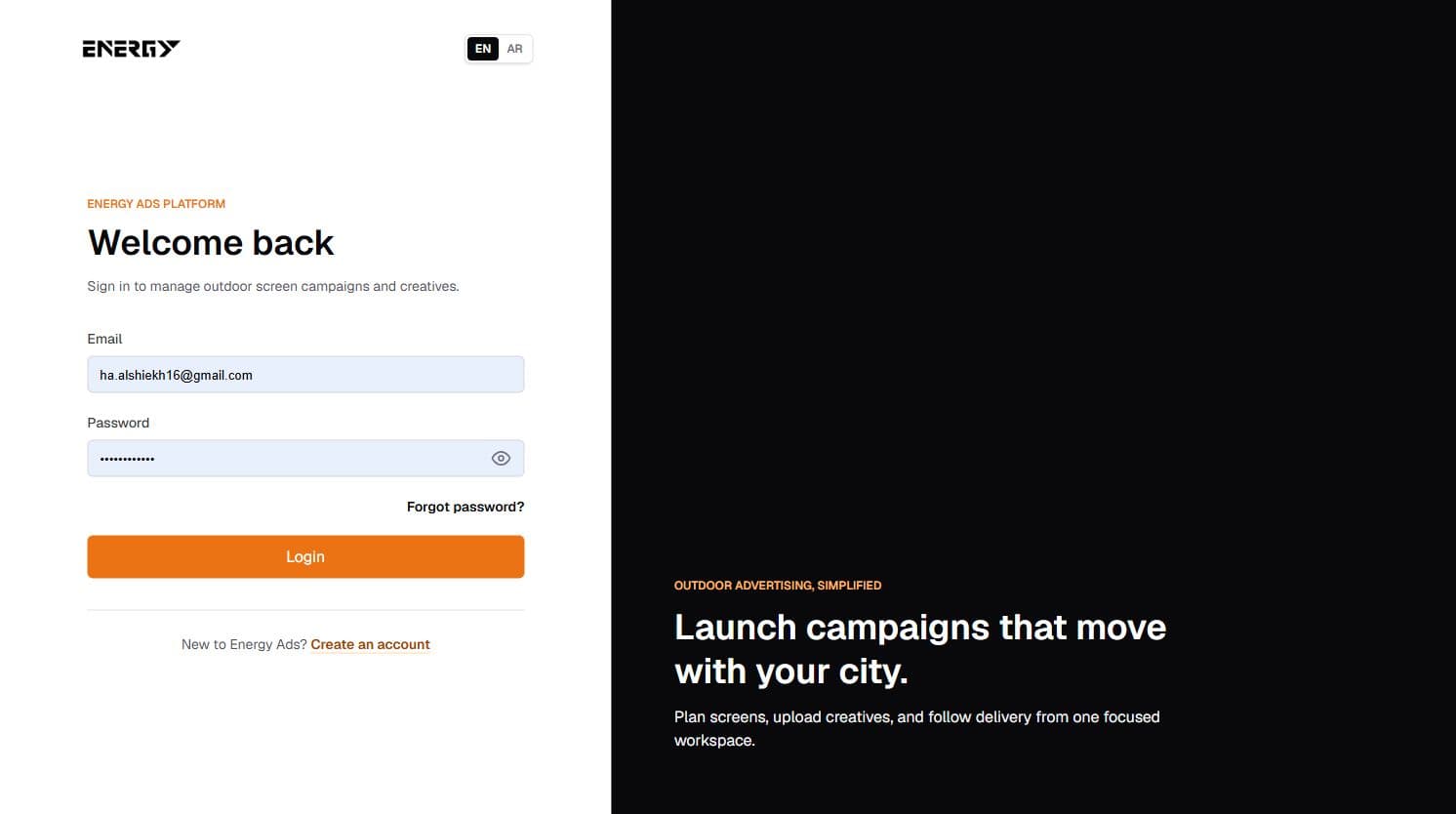
- Open the Energy login page.
- Enter the email and password used during registration.
- Use the eye icon if you need to check the password.
- Select Login.
A successful login opens Home and creates a secure session. You do not enter or manage a TradeDesk token.
Reset by email
- Select Forgot password? and choose Email link.
- Enter the registered email and send the request.
- Open the newest Energy message and follow its secure reset link.
- Enter and confirm a new password.
Reset by mobile OTP
- Choose Mobile OTP and enter the phone number registered to the account.
- Enter the code sent to that number and verify it.
- After the code is accepted, choose and confirm the new password.
If sign in fails
Check the email spelling, keyboard language, and password capitalization. If the account does not exist in Energy, it cannot sign in even if the same email exists in another system.