
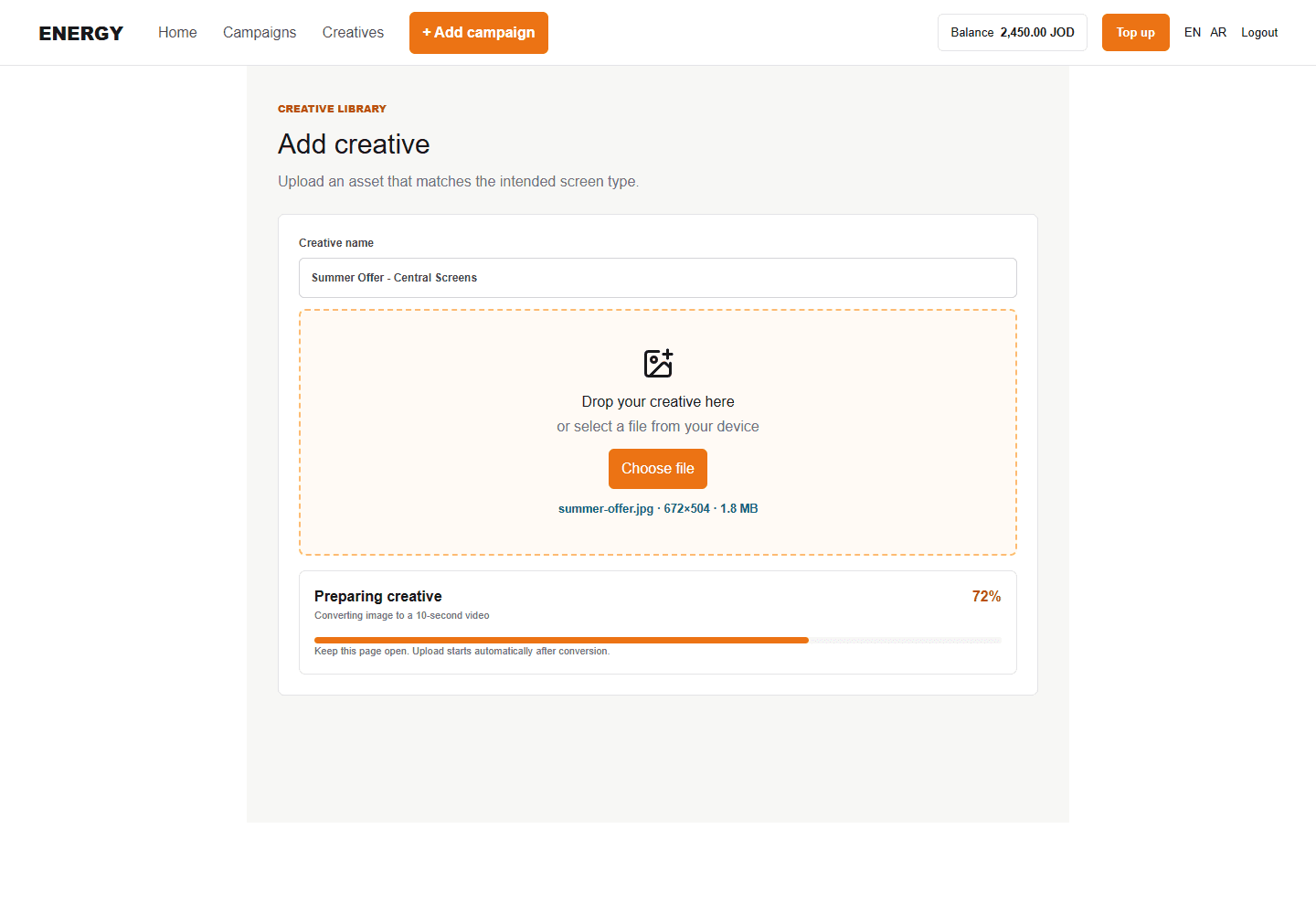
Upload from Creatives
- Open Creatives and select Add creative.
- Enter a clear name.
- Drag the file into the upload area or select it from your device.
- Confirm the file and keep the page open until upload completes.
Upload while building an ad set
Use Upload creative beside the creative selector. After a successful upload, Energy selects the new creative automatically and shows a completion note.
Select several creatives
Choose each creative required by the ad set. Selected creatives appear as a visible list so you can remove an incorrect selection before saving.
Only creatives matching the selected bundle screen type should be used. If you change the bundle, review the selection again.
Statuses
Processing means Energy or the delivery system is preparing the asset. Pending means review is incomplete. Approved means the relevant validation passed. Rejected means you should read the reason and upload a corrected replacement.