
The header balance belongs to the advertiser account. Energy uses a hosted payment page, so card details are not entered into or stored by Energy.
Add balance
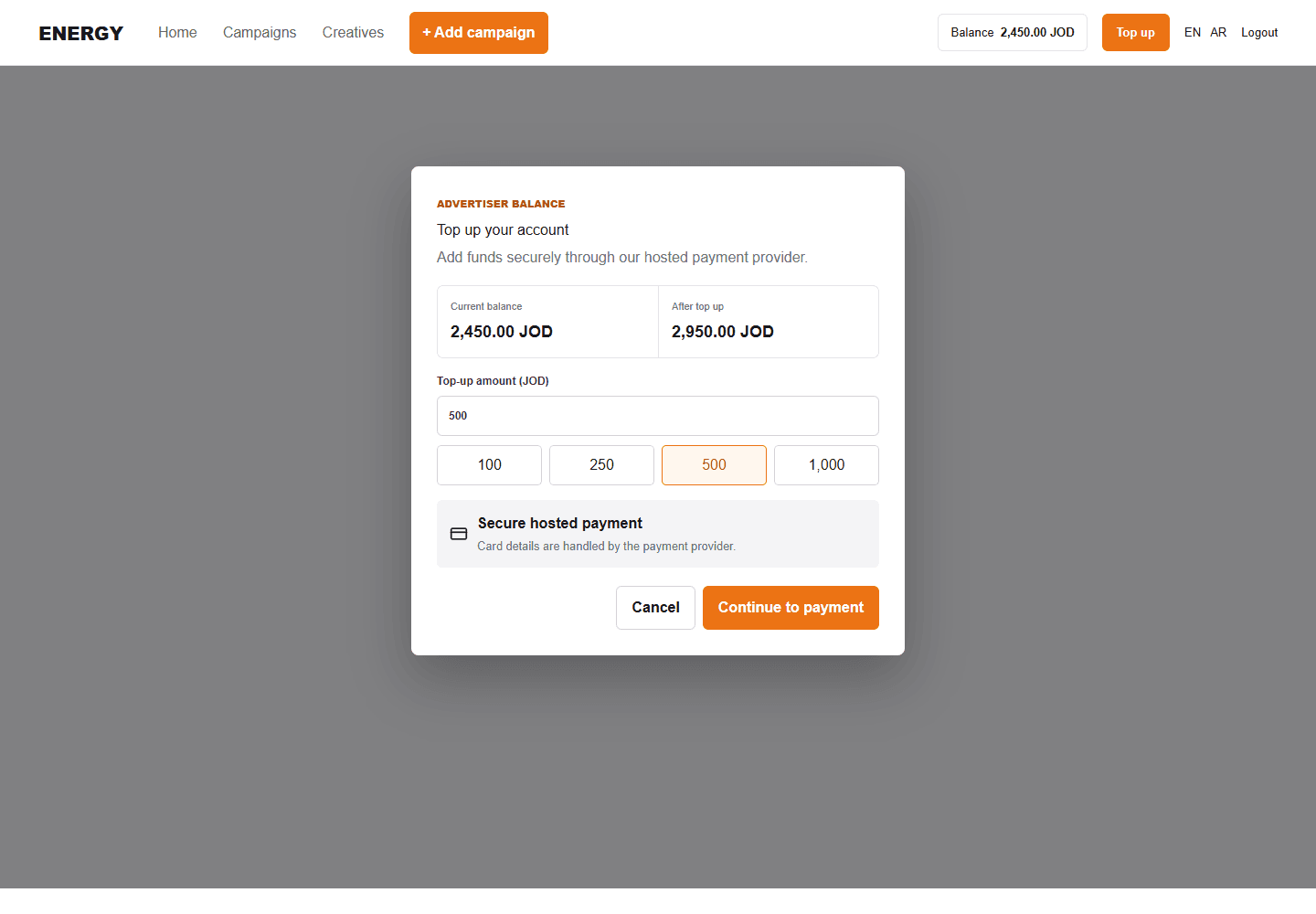
- Select Top up from any page.
- Review the current balance.
- Choose a suggested amount or enter a custom JOD amount.
- Review the expected balance and continue.
- Complete payment in the provider page that opens.
- Return to the original Energy tab. It refreshes after server confirmation.
If the payment tab is blocked
Allow popups for the Energy domain and try again. Do not repeat a payment that already succeeded; first check the provider result and refreshed balance.