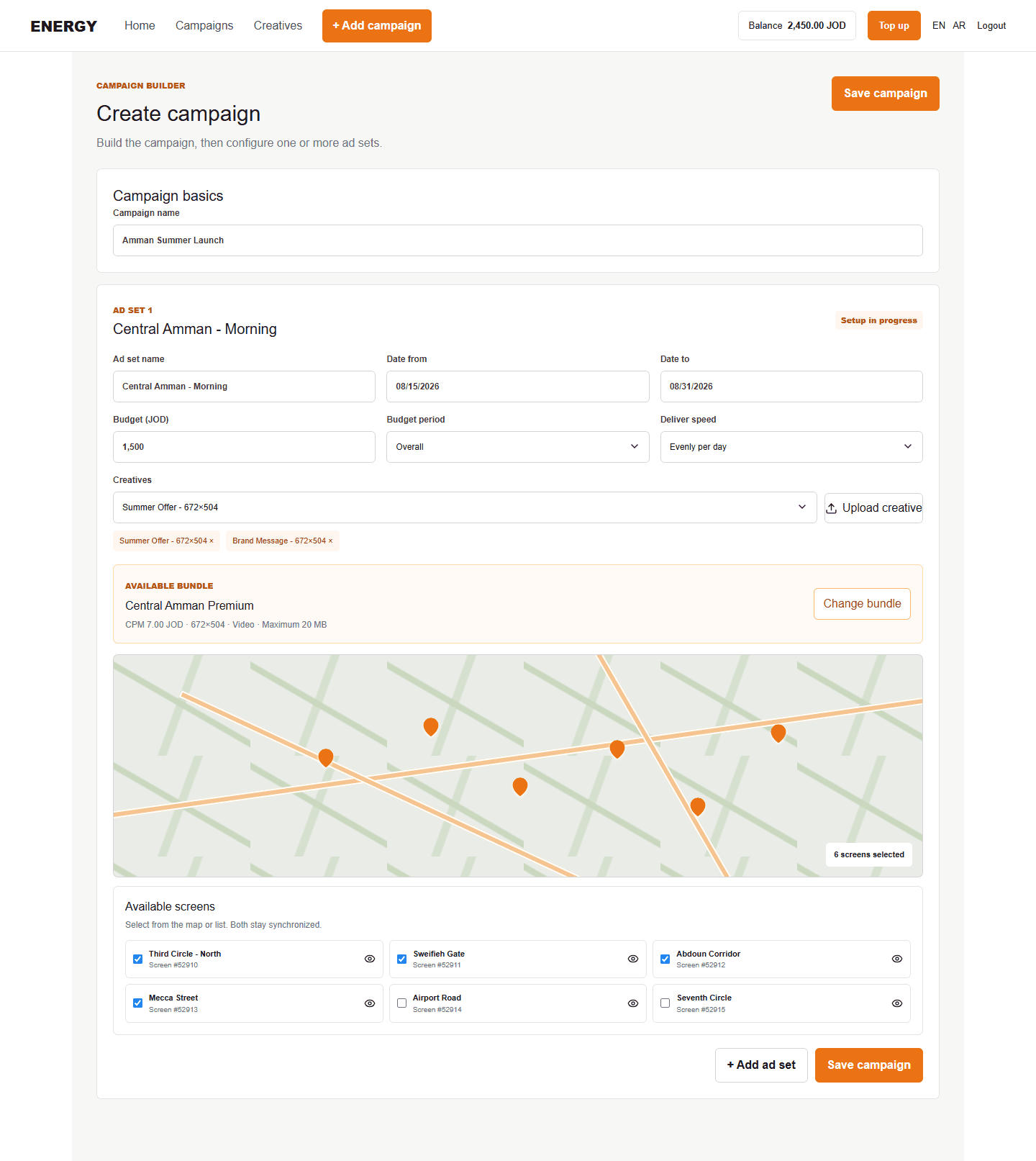
What a bundle controls
A bundle is a priced group of screens prepared by the administrator. It has one screen type and CPM.
- Fixed bundle: includes its configured screens; locations cannot be changed.
- Custom bundle: lets you select permitted screens from the map or list.
Select custom locations
- Choose the bundle in the ad set.
- Expand Locations map. For a selectable bundle, it opens automatically so you notice the location step.
- Select map pins, or use the screen list below the map.
- Confirm the selected count before saving.
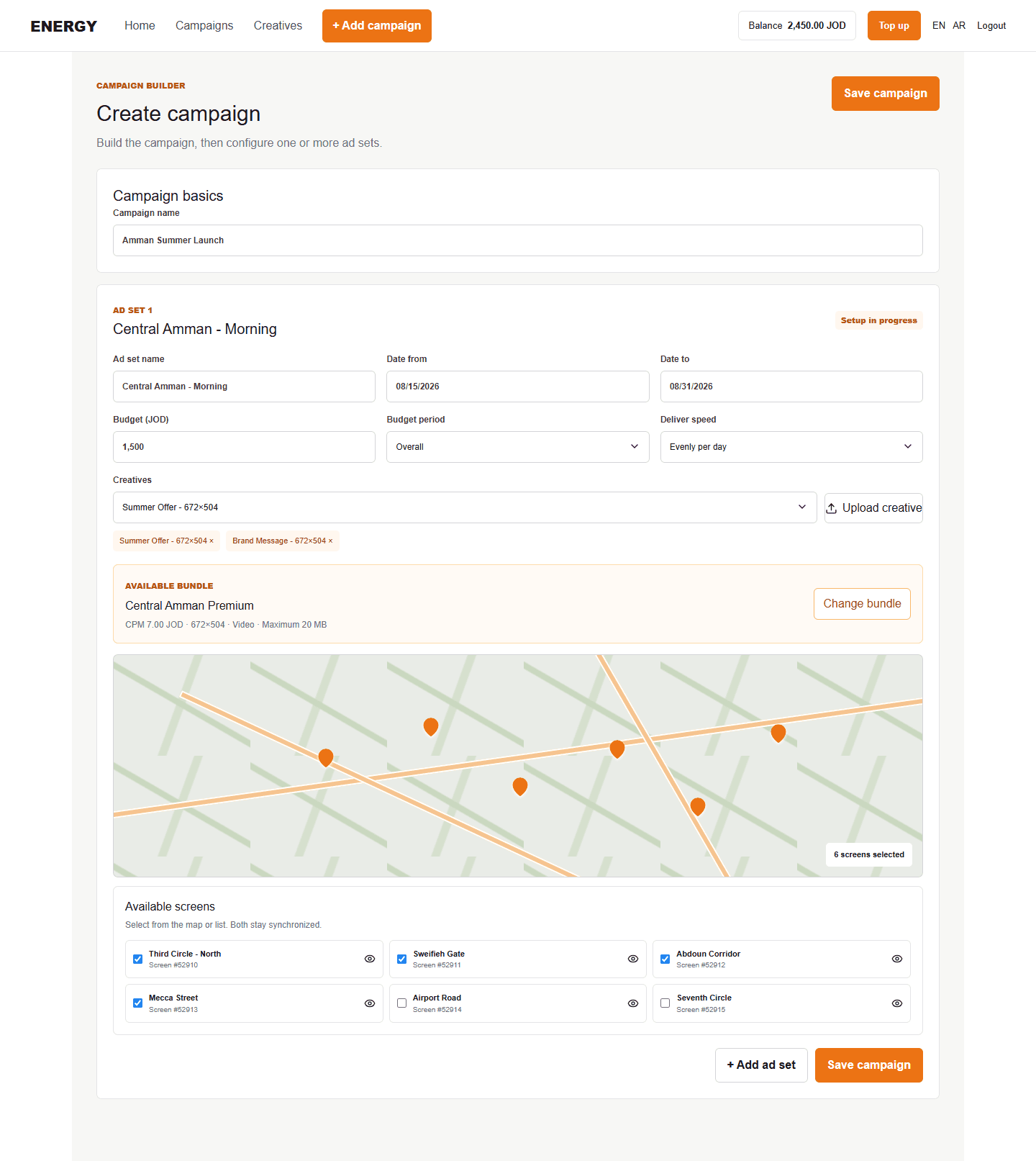
The map and list represent the same selection. Selecting a pin checks the matching item; checking an item selects its pin.
Inspect a screen
The screen list uses three columns on larger displays. Select a screen name to open its image and a map focused on that screen, when those details are available.