
Before you start
Have a clear campaign name, planned dates, budget, intended bundle, and suitable creative.
Create the campaign shell
- Select Add campaign from the header or Campaigns page.
- Enter a name that will remain clear in reports.
- Select Create & Continue once.
- Close the confirmation and continue building on the current page.
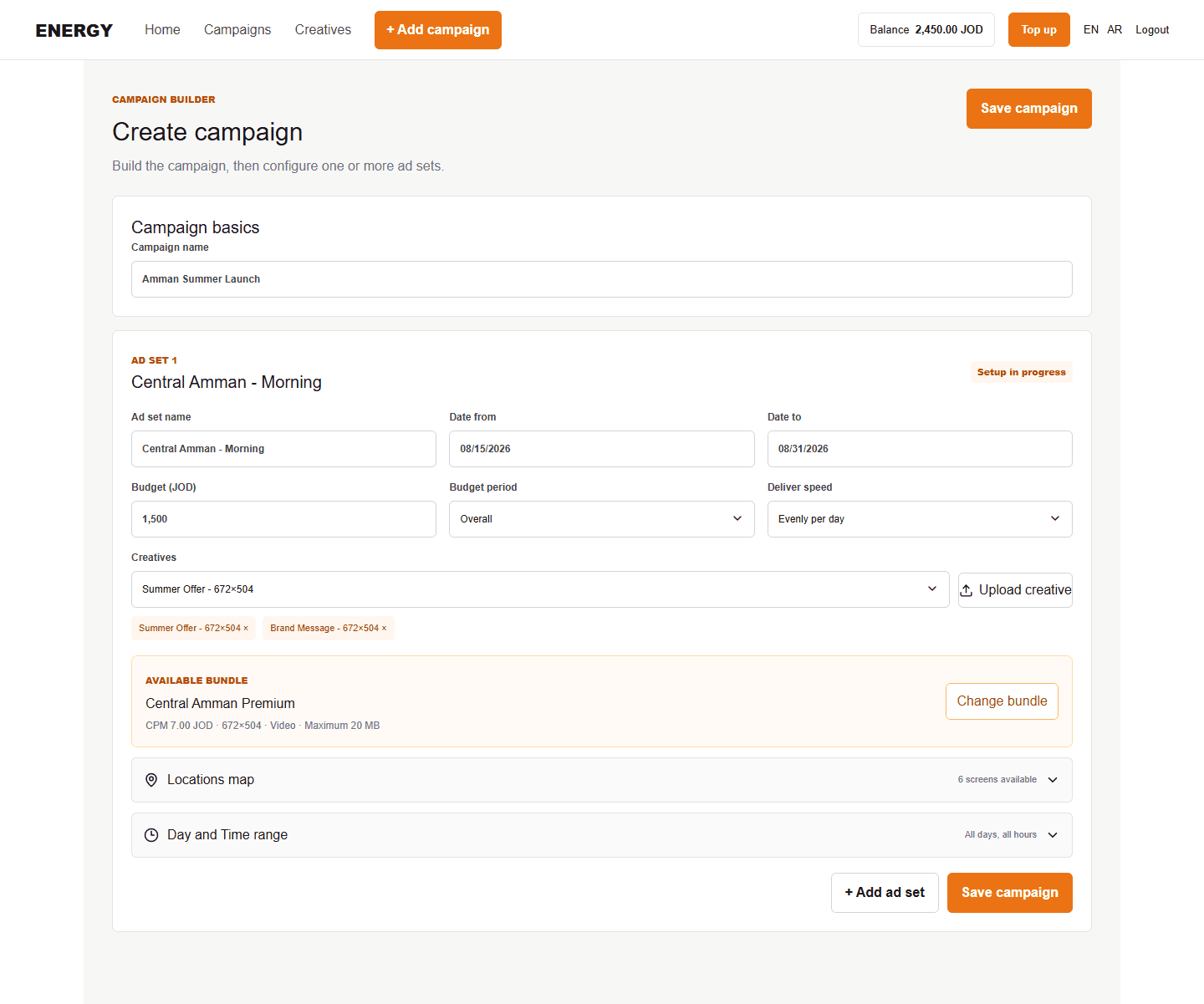
The first action creates the campaign record. It does not finish the delivery setup. Ad sets below it control the actual schedule, budget, screens, and creatives.
What happens next
Configure the first ad set. Use Add ad set below the existing ad sets when the campaign needs another schedule, bundle, or creative combination.