
Apply a reporting range
- Set From and To. The default is the start of the current month through today.
- Select Apply.
- Wait for totals, chart, and campaign rows to refresh.
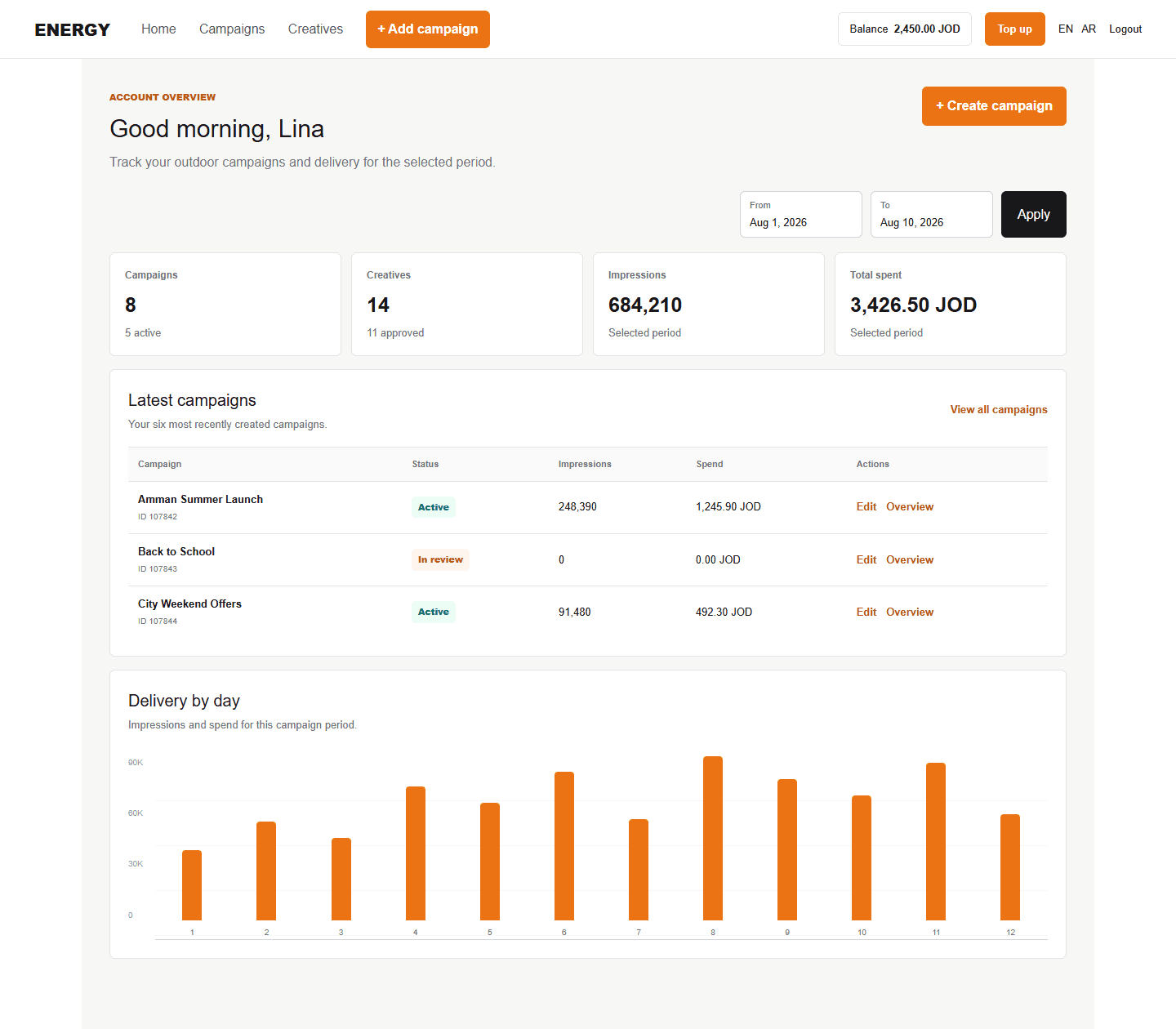
Read the page
- Campaign and creative totals summarize the account.
- Impressions count estimated audience delivery.
- DOOH plays count screen play events and are not always equal to impressions.
- Spend uses the TradeDesk spend value for the selected range.
- The daily chart plots impressions and spend. Hover over a day for exact values.
- Latest campaigns shows a short recent list with Edit and Overview actions.
New account view
When there are no campaigns, Home displays a focused Create your first campaign experience instead of empty reporting panels.