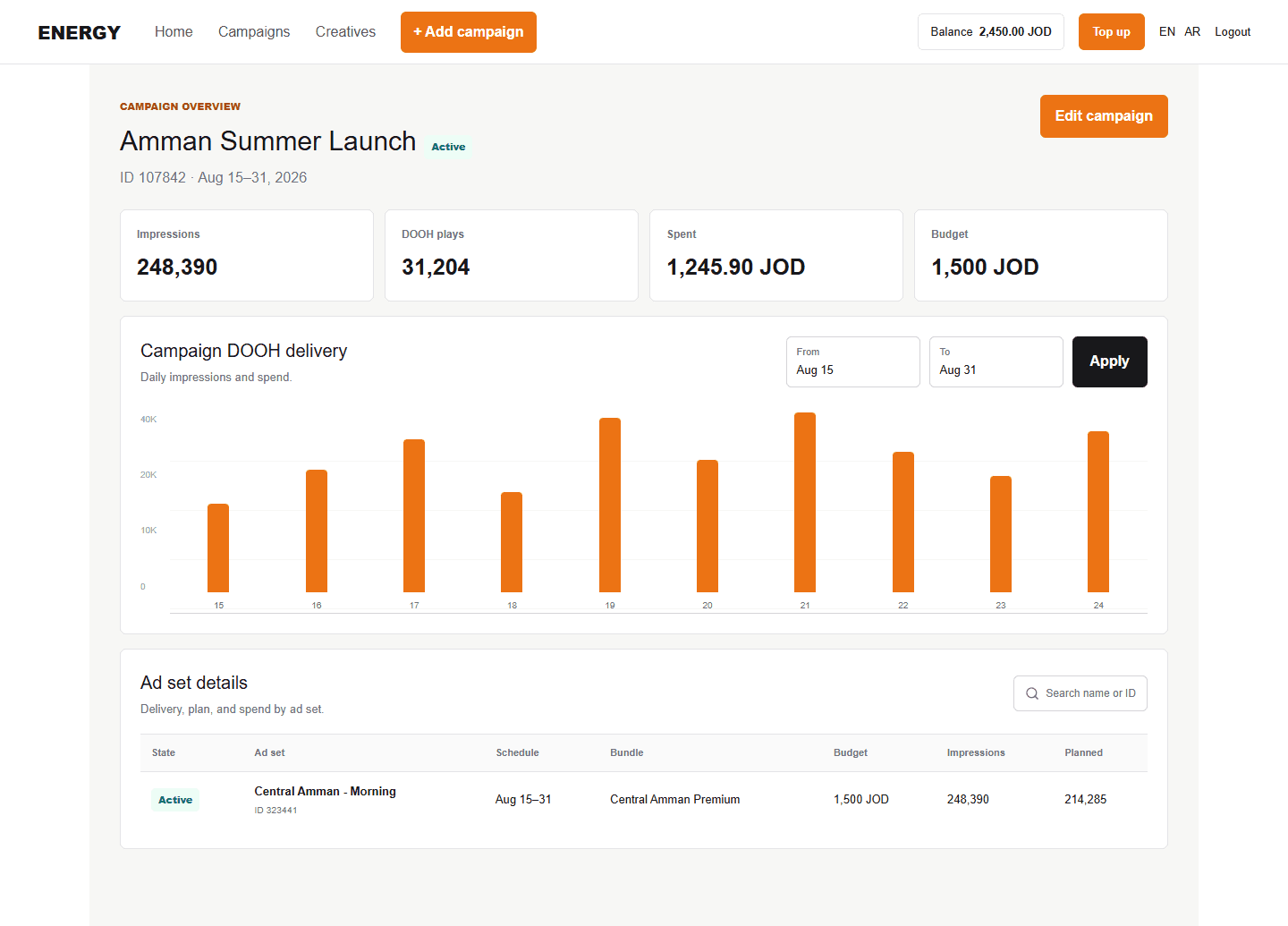
Campaign summary
The top section shows campaign name and status plus impressions, DOOH plays, spend, and budget where available. Spend uses the same TradeDesk reporting source as the detailed campaign view.
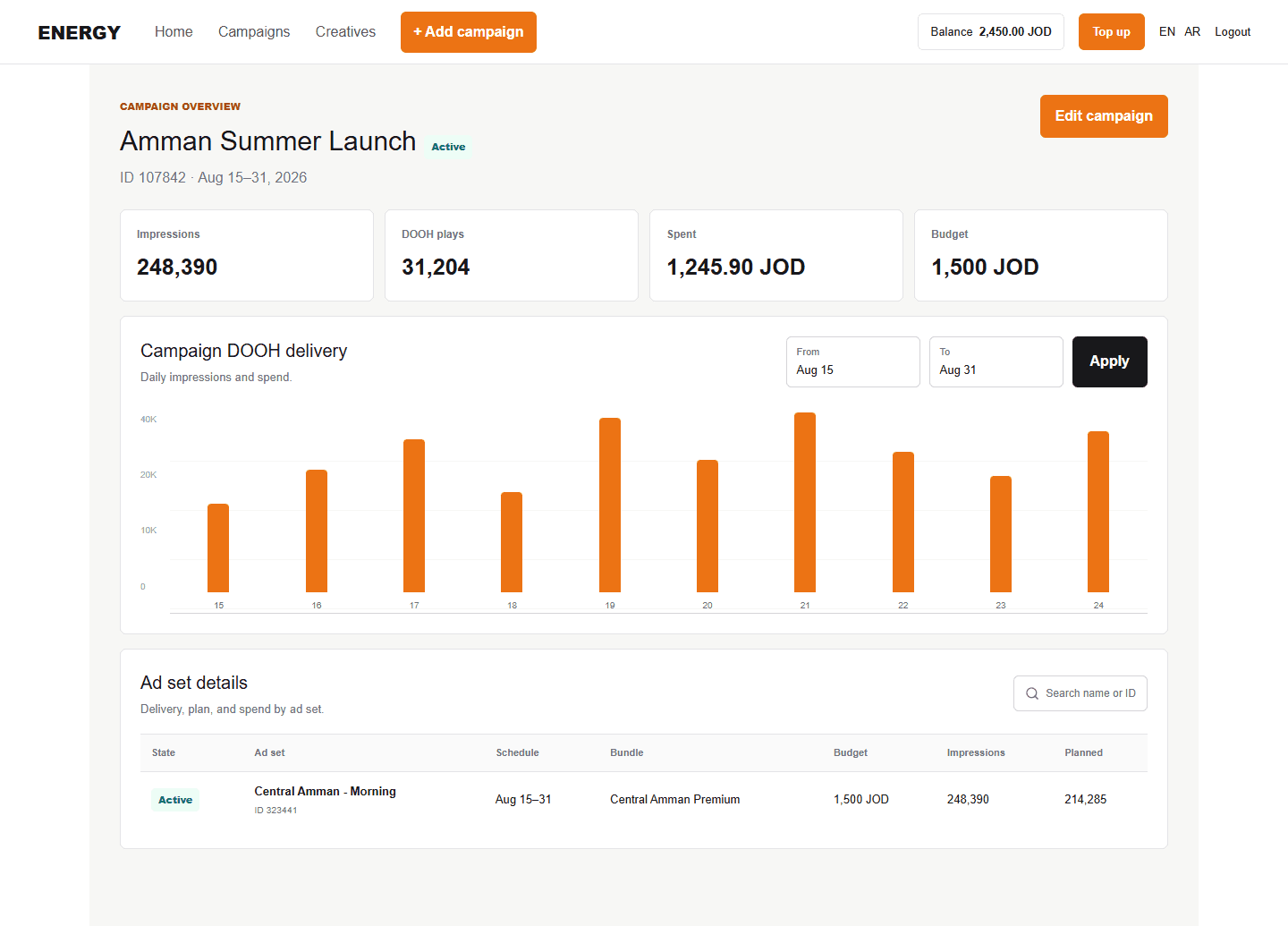
Daily chart
Choose dates and select Apply. The chart shows daily impressions and spend. Hover over a column or line point to inspect that day. Impressions and plays are separate measures and should not be assumed equal.
Campaign information and locations
The information section shows saved campaign details and selected locations. This setup data can come from Energy's database, while delivery numbers remain live reporting data.
Ad-set details
Use name or ID search and five-row pagination. Each row can include status, name, schedule, bundle, budget, impressions, and planned impressions.